Operations
Permissions & seats
AI only sees what the permission model exposes. Different roles see different data, so outputs change by who asks, and missing paid seats block agents entirely.
What breaks
- AI insights that differ between sales and marketing
- Summaries missing notes on restricted objects
- Team members without the seats agents require
What we check
An admin can configure agents
Do nowAuto-checked by scanWithout the right role the setup stalls halfway, or gets done by whoever happens to have access.
First step: Grant Breeze Agent Editor (or Super Admin) to the named AI owner.
Team has the required paid seats
Do nowAgents are unavailable to unseated users, so adoption fails for reasons that look like 'the AI doesn't work'.
First step: Compare users against seat assignments and assign Pro+ seats to everyone in the pilot.
Permissions are documented and consistent
Do nowAI outputs change by role when visibility differs, which reads as inconsistency and kills trust.
First step: Document permission sets per team and align object visibility for the records AI summarizes.
Related case studies

records migrated
AI readiness
28 → 84
Lifestyle & Consumer · 11-50 Employees
Migrating 110K Records From Salesforce While Rebuilding Five Pipelines From Scratch
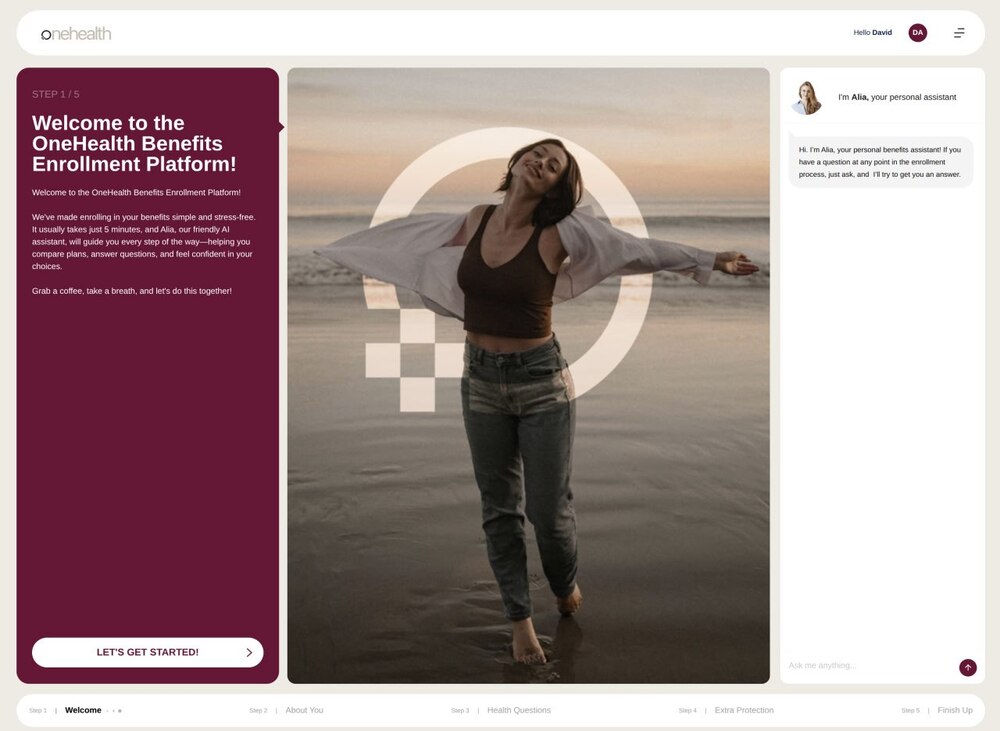
underwriting turnaround
Healthcare & Insurance · 11-50 Employees
Virgil HealthCare AI: Health-Plan Selection and Underwriting Cut From Days to Minutes Under HIPAA

portals
AI readiness
29 → 81
Manufacturing & Industry · 11-50 Employees